Configuring the R90L7 Settings for Virtual Machines
(02/27/13)
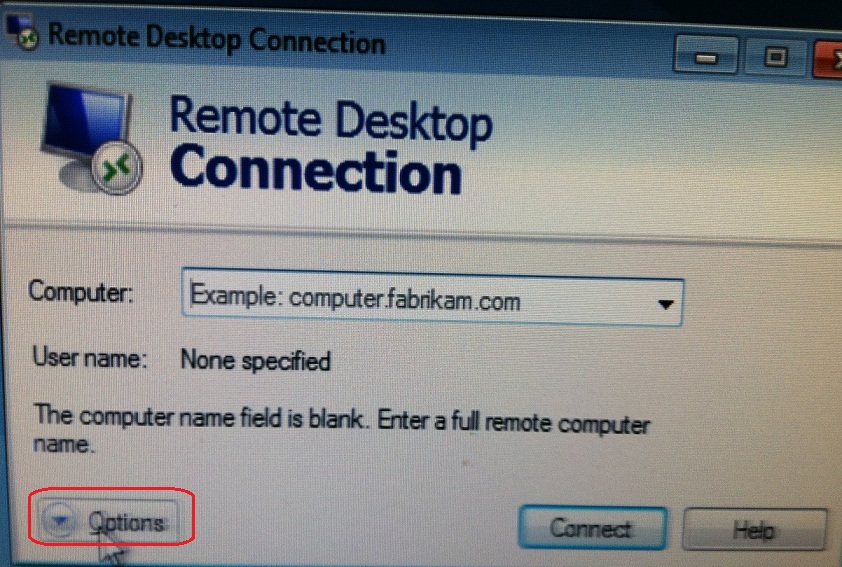
1. Open the RDP session and click on the "Options" button.
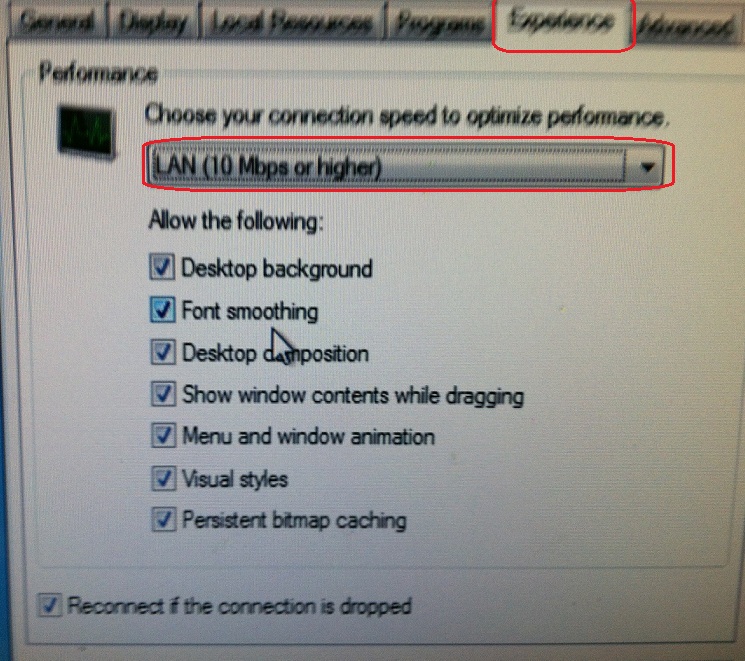
2. From the "Experience" tab, choose the "LAN (10Mbps or higher)" from the drop-down box. (Notice that this checks all the boxes.)
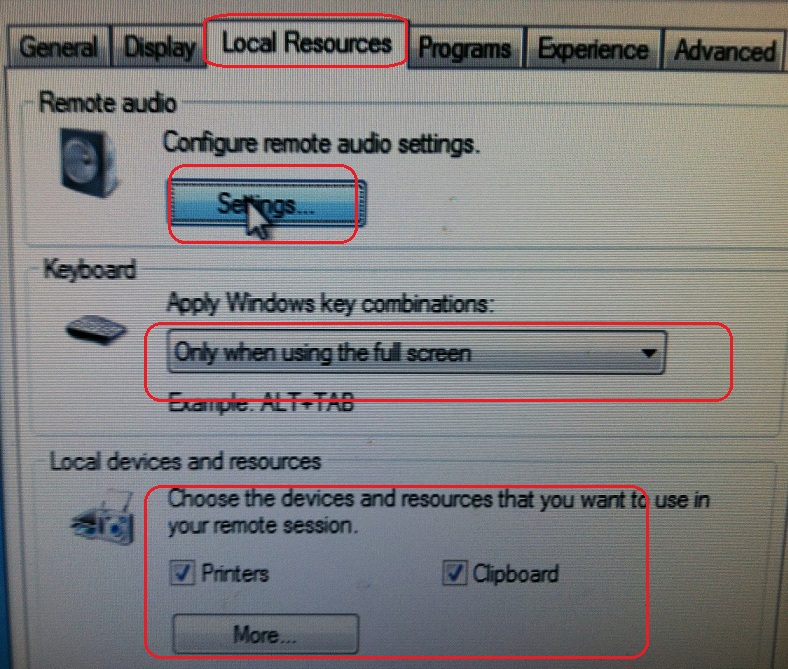
3. In the "Local Resources" tab configure the options as desired.
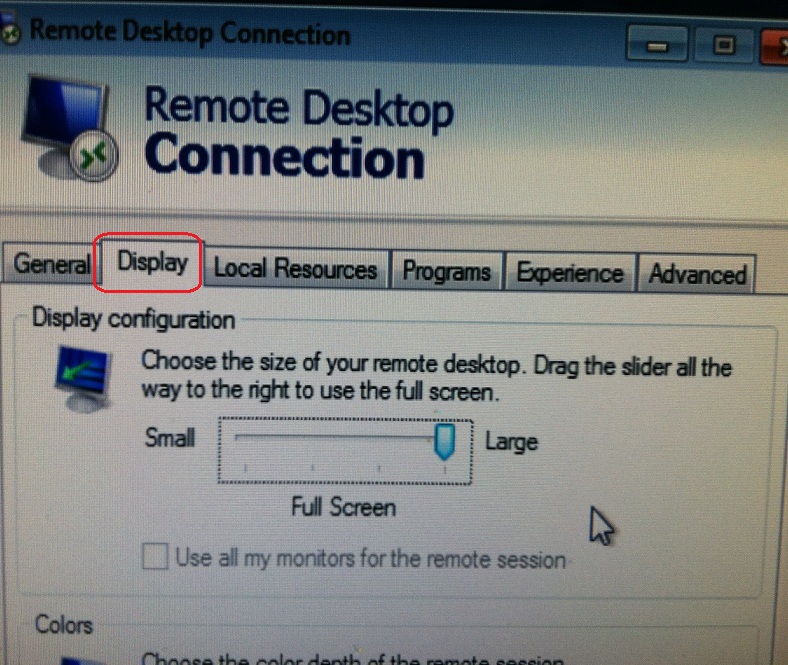
4. In the "Display" tab configure as desired also.
5. Click on "Connect".