
I closed that dialog box and reinstalled the vpn client by double-clicking on the "vpnfile client_setup.msi". Since I was still running Windows Explorer as "administrator" I installed the client as administrator.
Now when I started the client it opened and let me put in my settings. But then I ran into another error message:
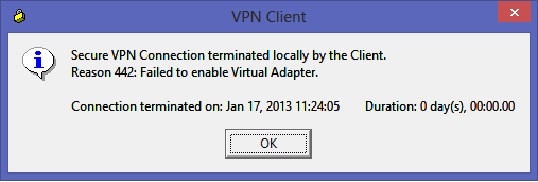
"Secure VPN Connection terminated locally by Client.
Reason 442: Failed to enable Virtual Adapter."
So now when I googled I came across a suggested solution that I had seen for the first error message, but this time it was suggested for this error message.
So as administrator I started up regedit and went to HKEY_LOCAL_MACHINE\\SYSTEM\\CurrentControlSet\\Services\\CVirtA. Then on the right side window open up the "DisplayName" item and remove everything but, "Cisco Systems VPN Adapter for 64-bit Windows". Close regedit and the VPN client worked.