How to Access A Virtual Linux Server Without a Password
(or when the password isn't working)
Open the VMWare Vsphere Client utility

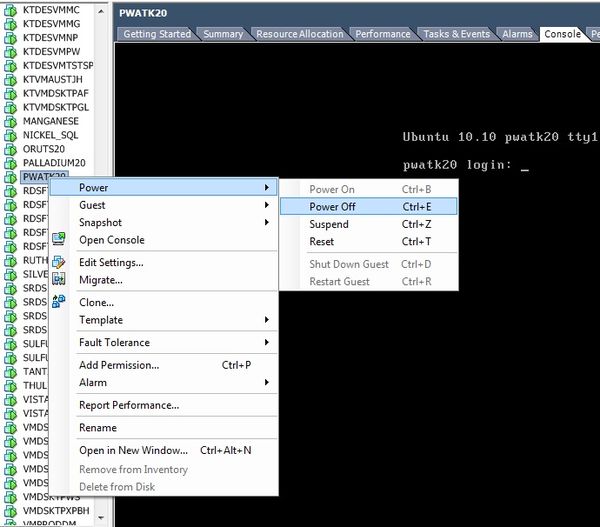
Right-click on your server and choose Power > Power Off
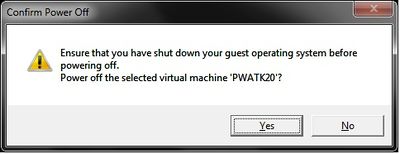
Click on the "Yes" button to confirm the shutdown.
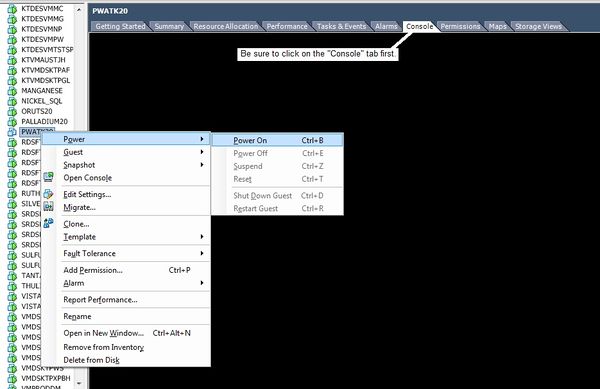
If you do not already have the "Console" opened, click on the "Console" tab now. Then right-click on your server again and choose Power > Power On to power it up.
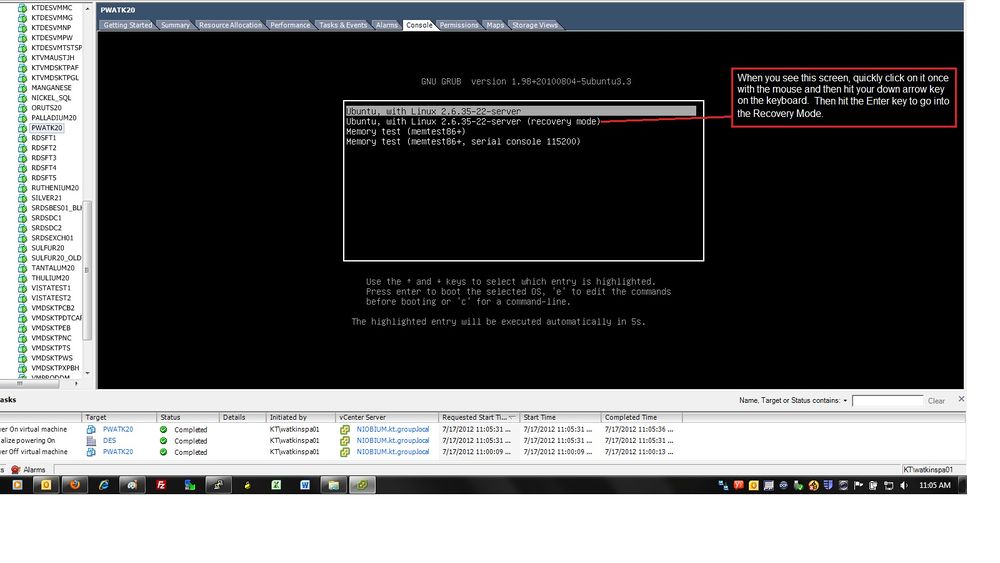
Be ready with your mouse arrow and a finger over the down arrow key on your keyboard. As soon as you see the menu screen below, click once with your mouse anywhere in the console window, and then hit the down arrow key, right away, once. With the second item highlighted ("recovery mode"), hit Enter.
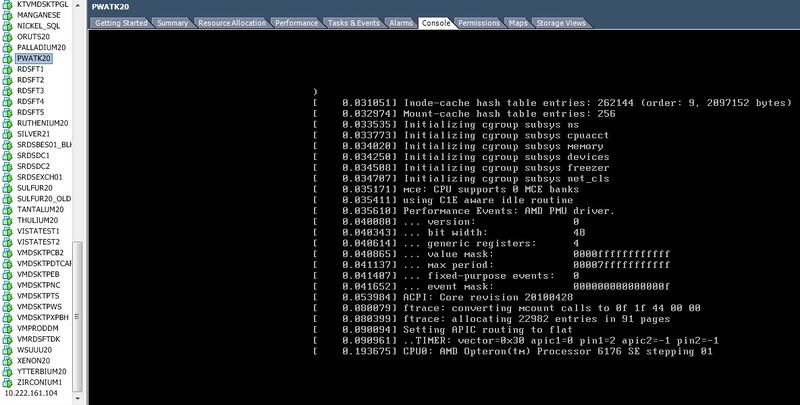
You will see a whole bunch of bootup information scroll by.
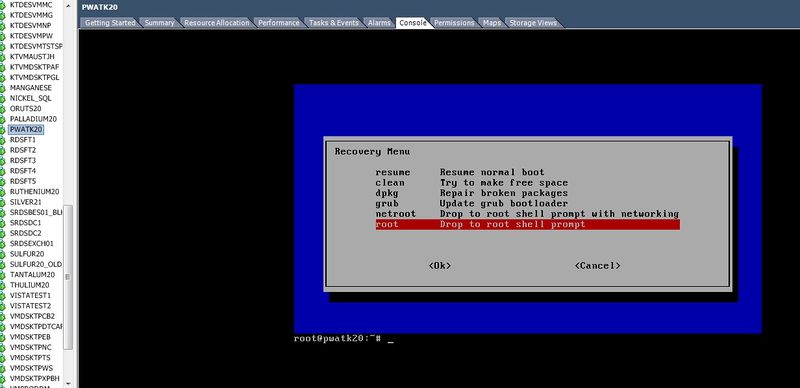
And then after a few seconds the recovery mode menu will display. Arrow down to the last item ("Drop to root shell prompt") and hit Enter. (or the root shell with network, as needed)
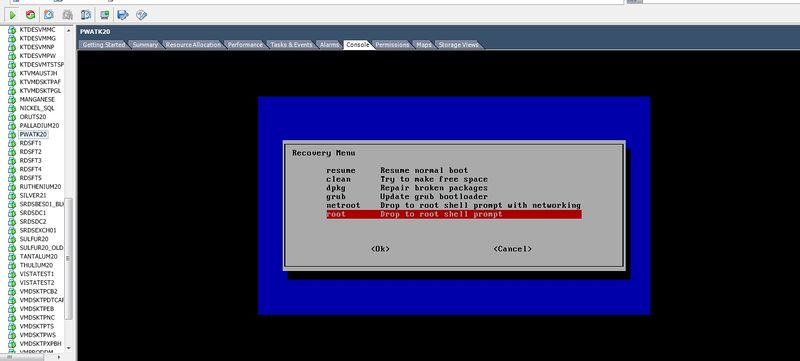
You should now be logged in as root and should see the root prompt below the menu. Make the changes you need to make and then reboot.