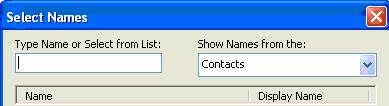
Moving Your Contact List to the Top of Your Address Book
(Marshal E. 9/15/06)
Did you know that you can have the Contacts show up as your first list in the Address Book as opposed to the Global List?
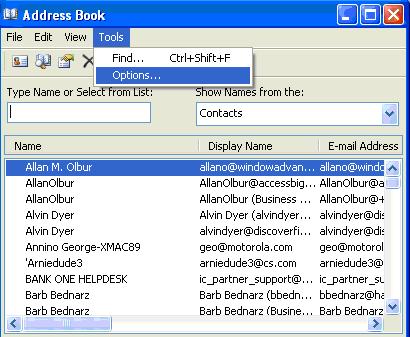
Open the Address Book and select Tools/Options:
Select Contacts in the ‘show this address list first’ field:
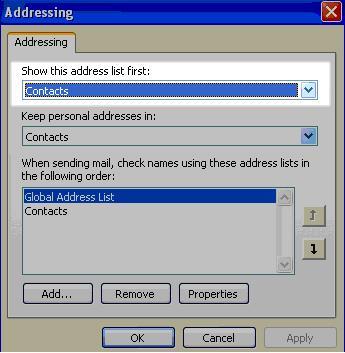
Smack Apply and now when you open the Address Book the Contacts list is the first one you see…